CEO Portal Visioning
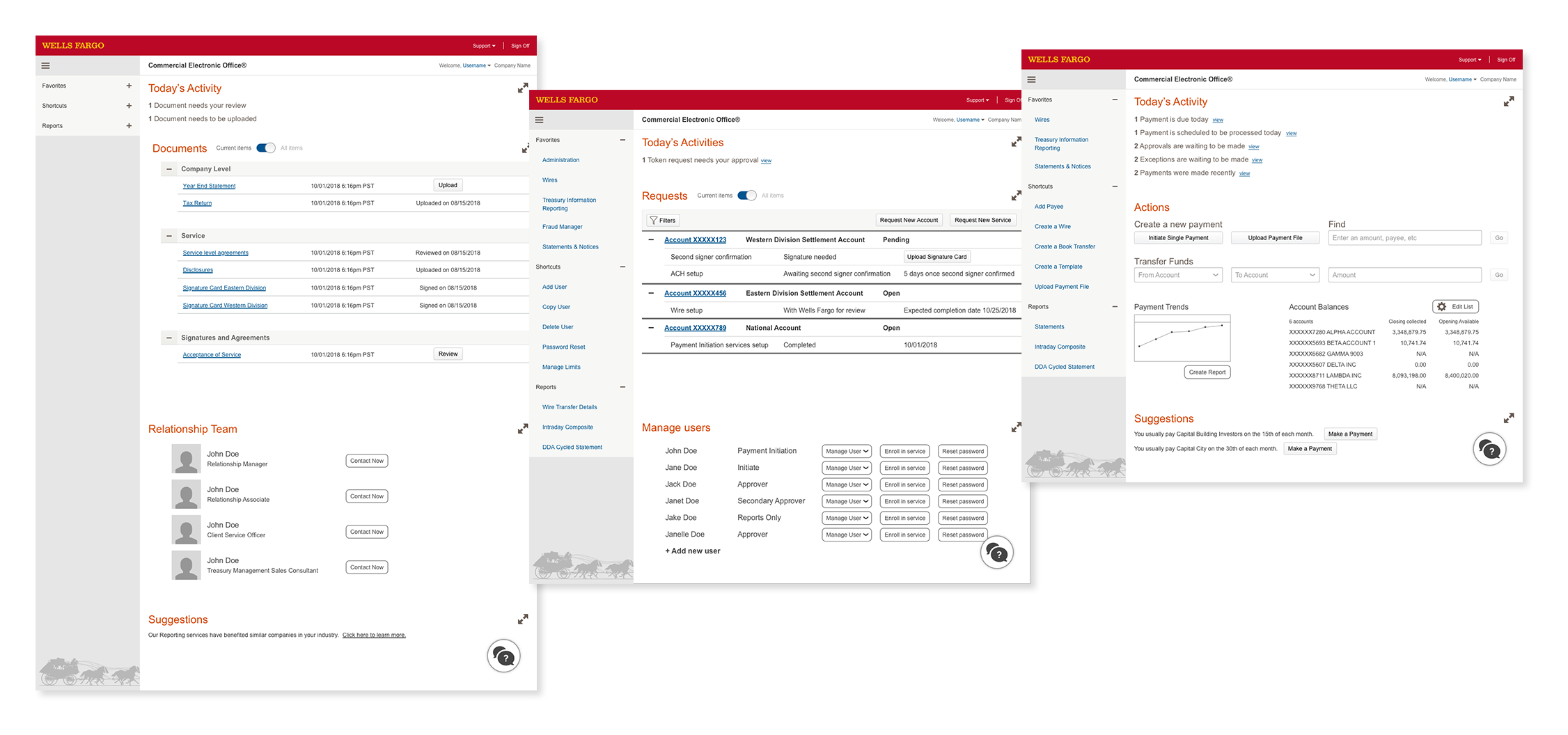
In two weeks, working as the sole designer alongside one producer, I designed a high-fidelity product vision and InVision prototype used to secure $21 million in executive funding for a two-year product overhaul of Wells Fargo’s Commercial Electronic Office.
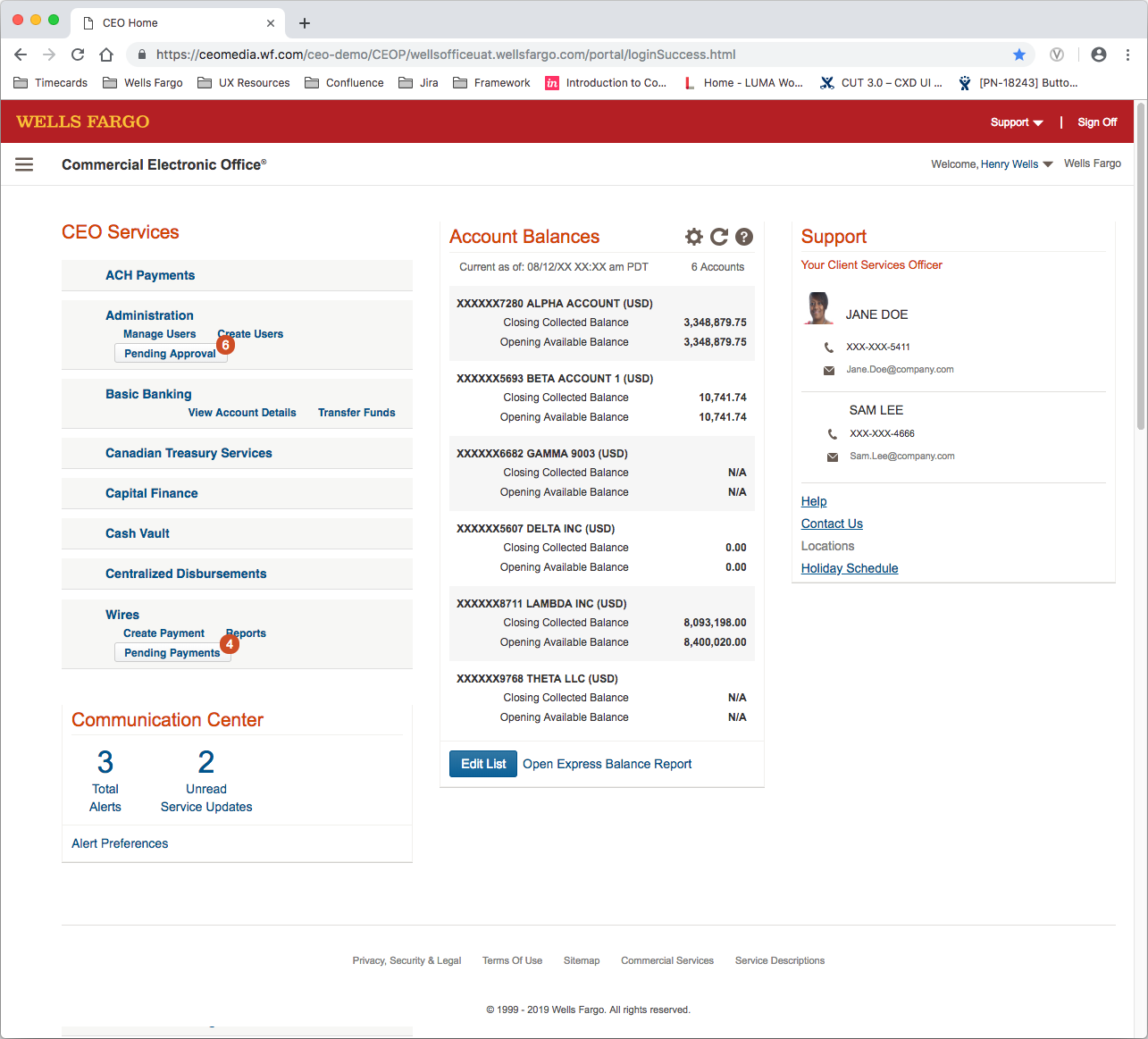
The brief: the existing landing screen was a dated hub-and-spoke model — a legacy of when the product was a suite of separate applications. Users had to navigate away from the home screen to do anything meaningful, and the applications didn’t share data with each other. The ask was to envision what a role-based, task-forward dashboard could look like, and make that vision compelling enough for C-suite approval.
Project Details
Client Wells Fargo Commercial
Timeline 2 Weeks
My Role Sole UX designer
Team 1 producer, product subject matter experts, head of Customer Experience Design
My Contribution Led the entire design process from problem definition through high-fidelity deliverable — user stories, journey mapping, wireframes, stakeholder reviews, and the final InVision prototype presented to executive leadership.
Defining the problem
The landing screen of the Commercial Electronic Office had accumulated years of technical and UX debt. What was once a logical entry point for a suite of separate products had become an obstacle — users launched sub-applications from it, but those applications didn’t communicate with each other, and the home screen itself offered nothing actionable.
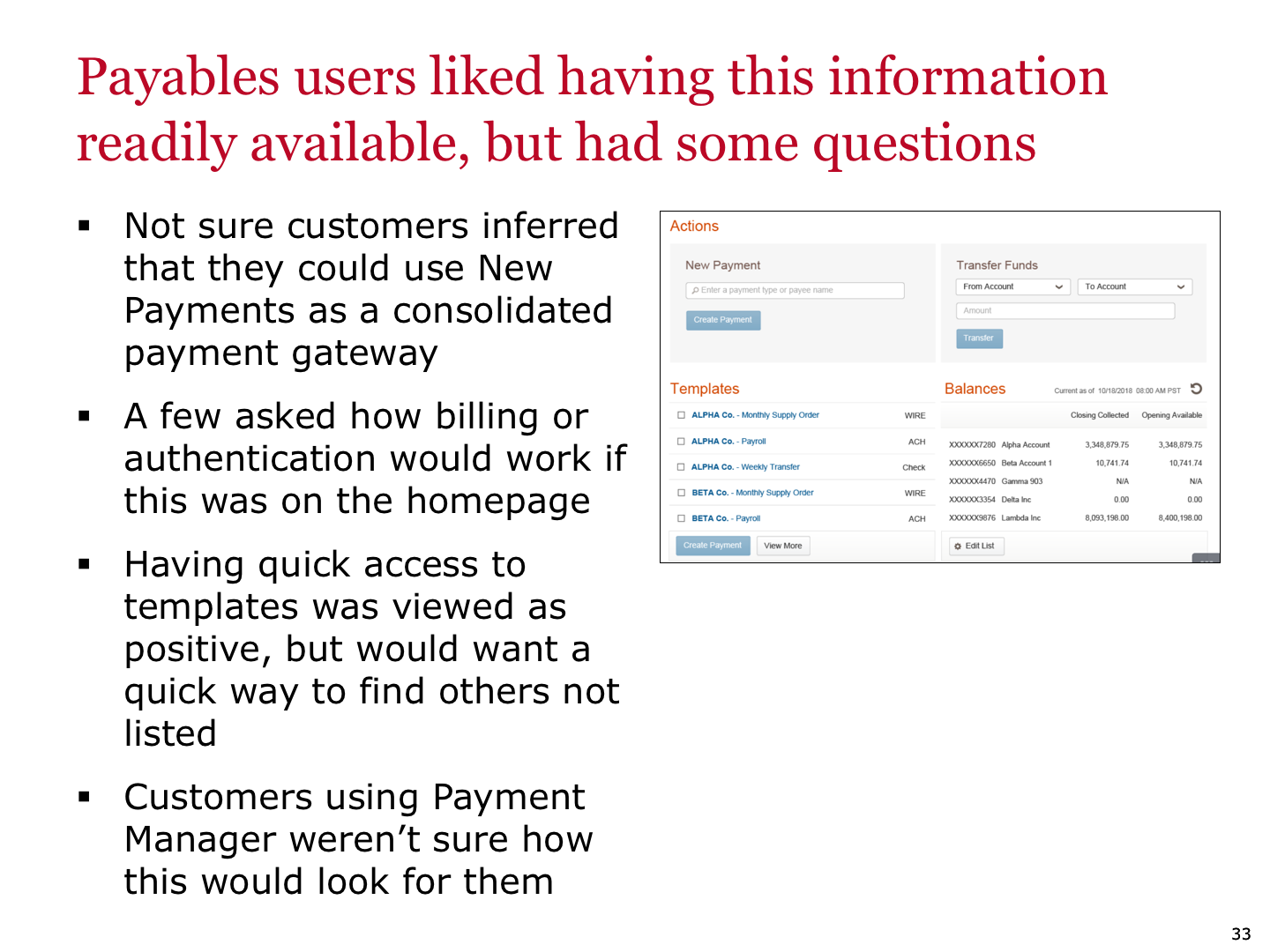
Early work included a review of competitive products and previous redesign explorations done by other internal teams. This gave context for what had been tried before and where the bar was set externally.
Existing landing screen >
Users and their journeys
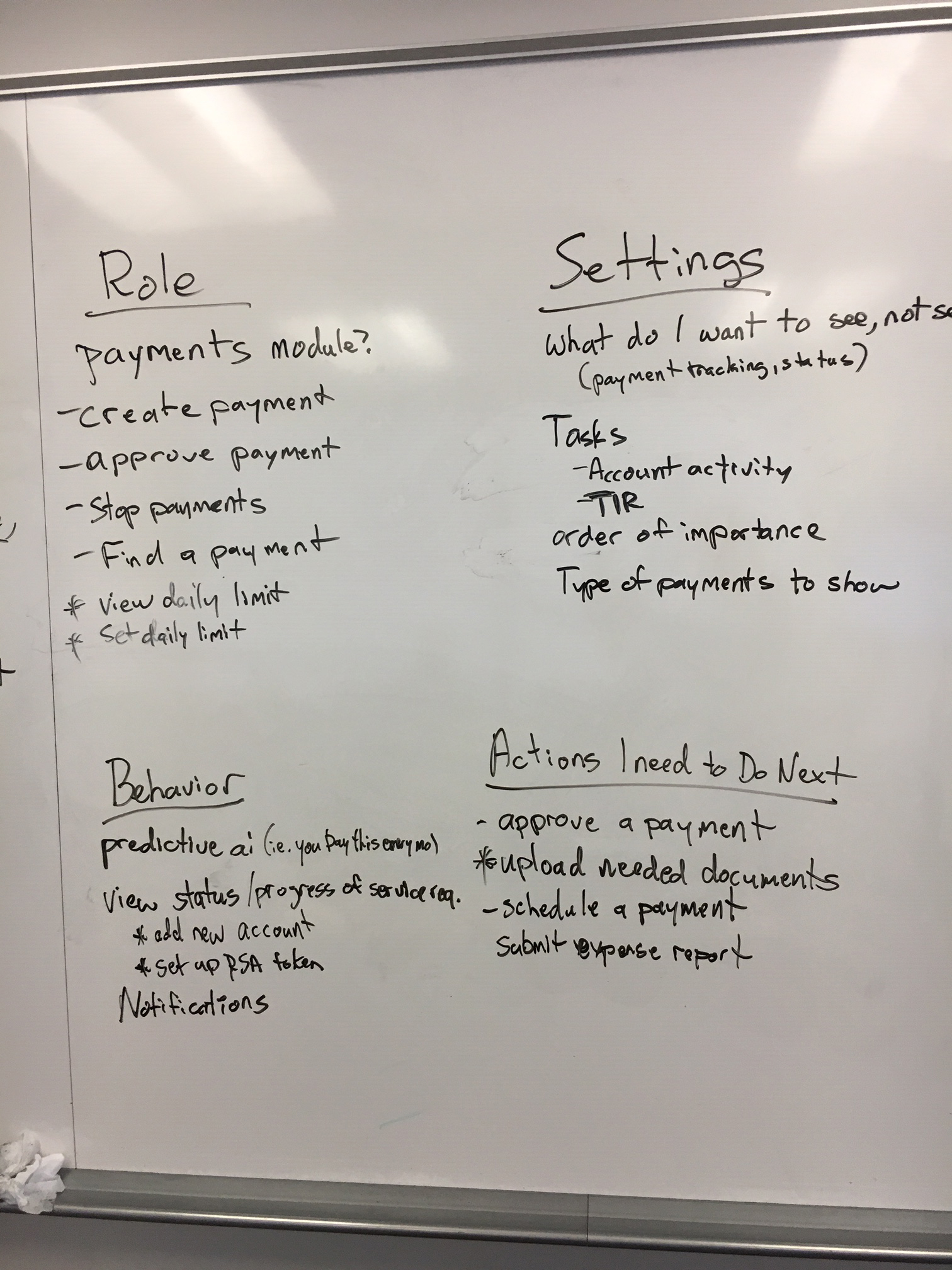
The first design question was: whose dashboard is this? A commercial banking application serves multiple roles — treasury managers, controllers, and operations staff all use the product for fundamentally different reasons. A single landing screen that tried to serve everyone equally would serve no one well.
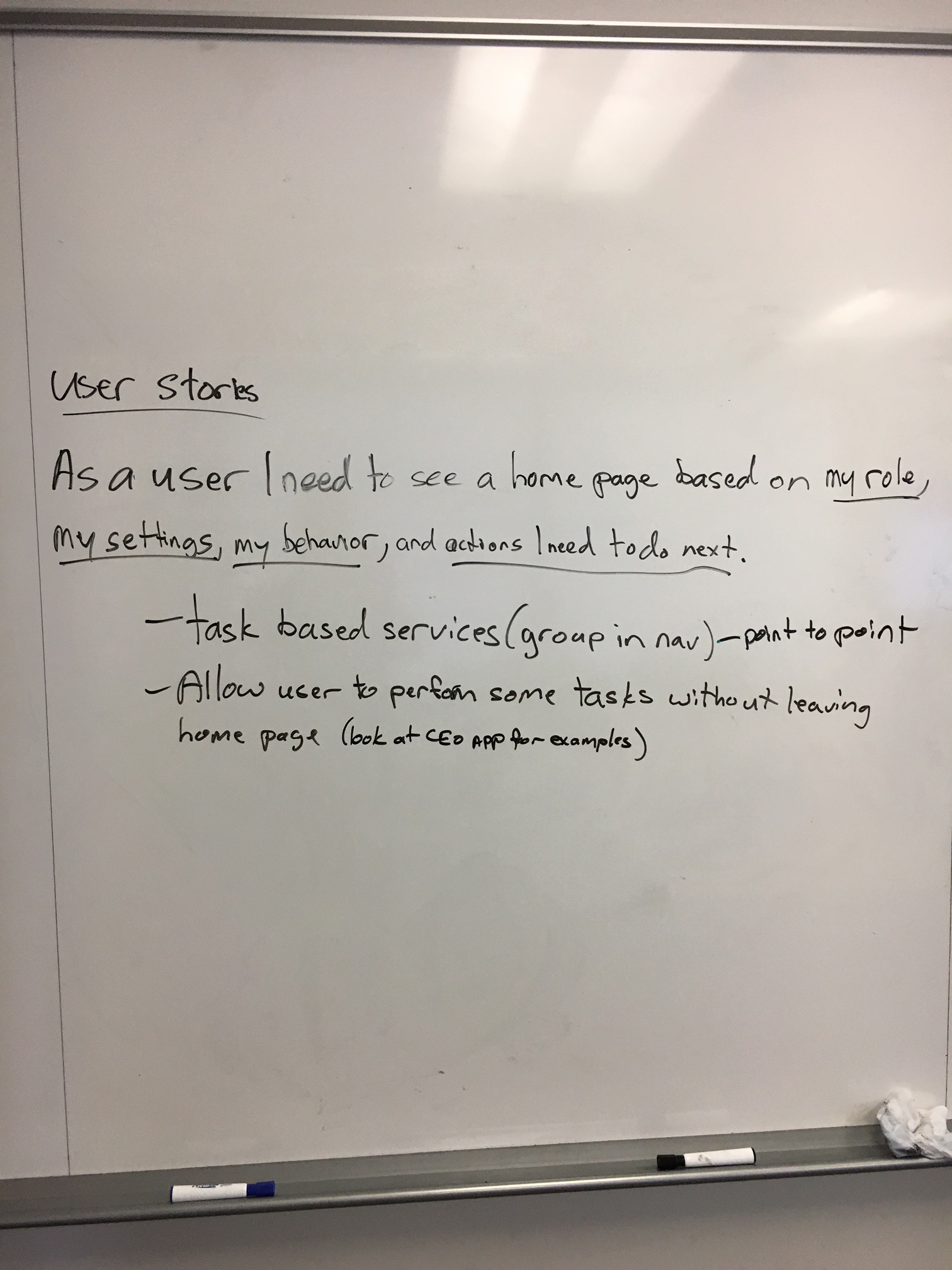
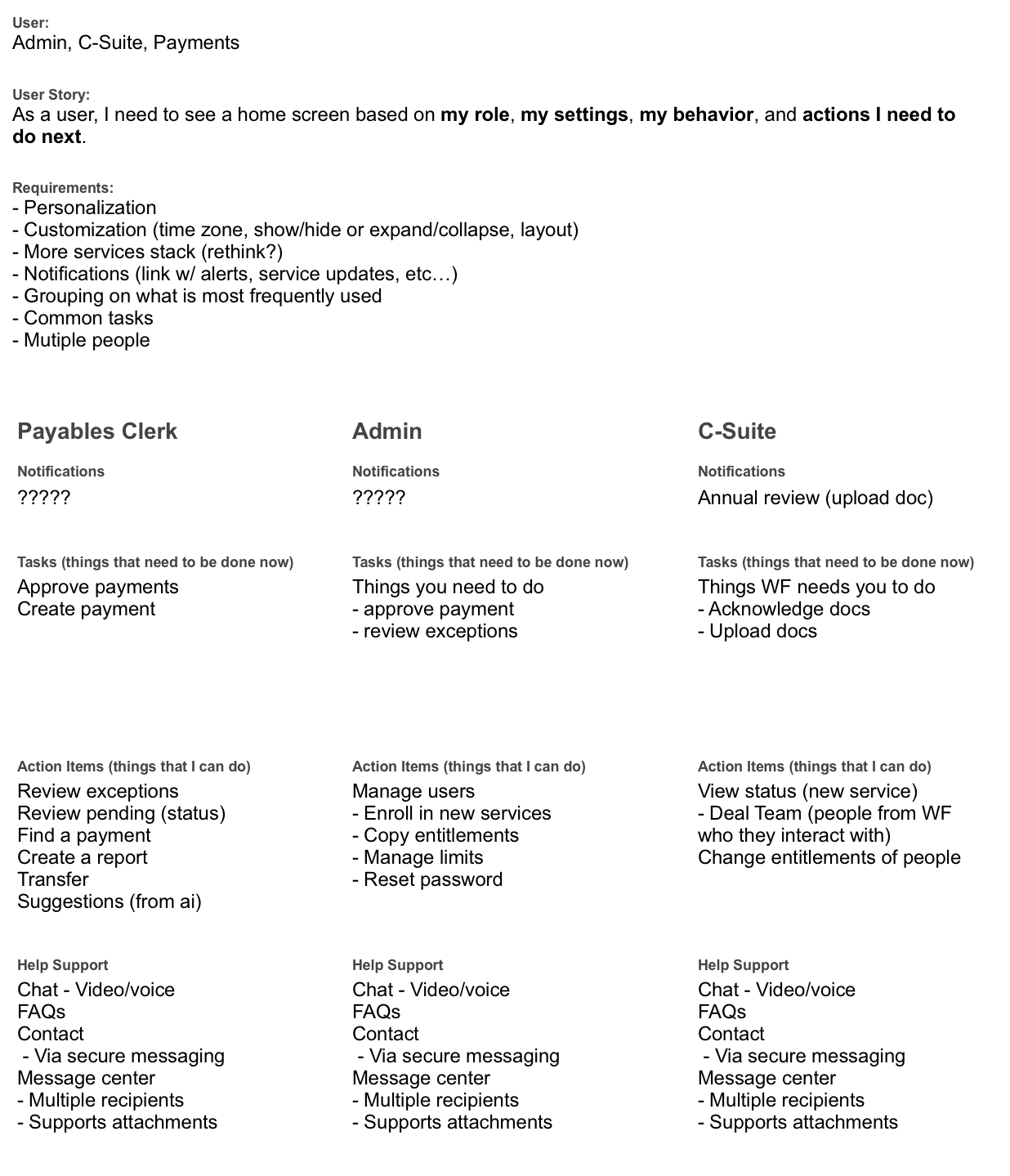
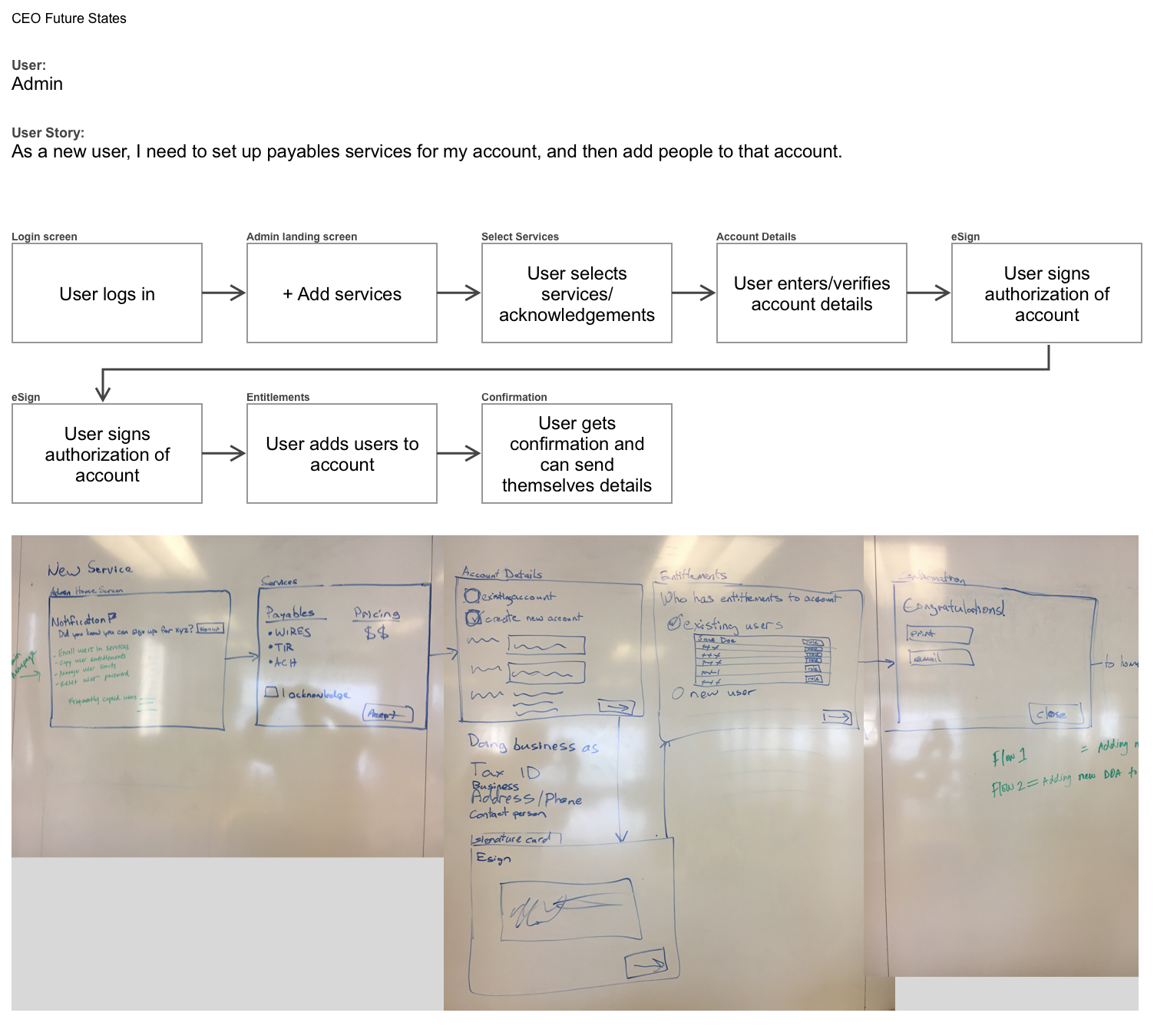
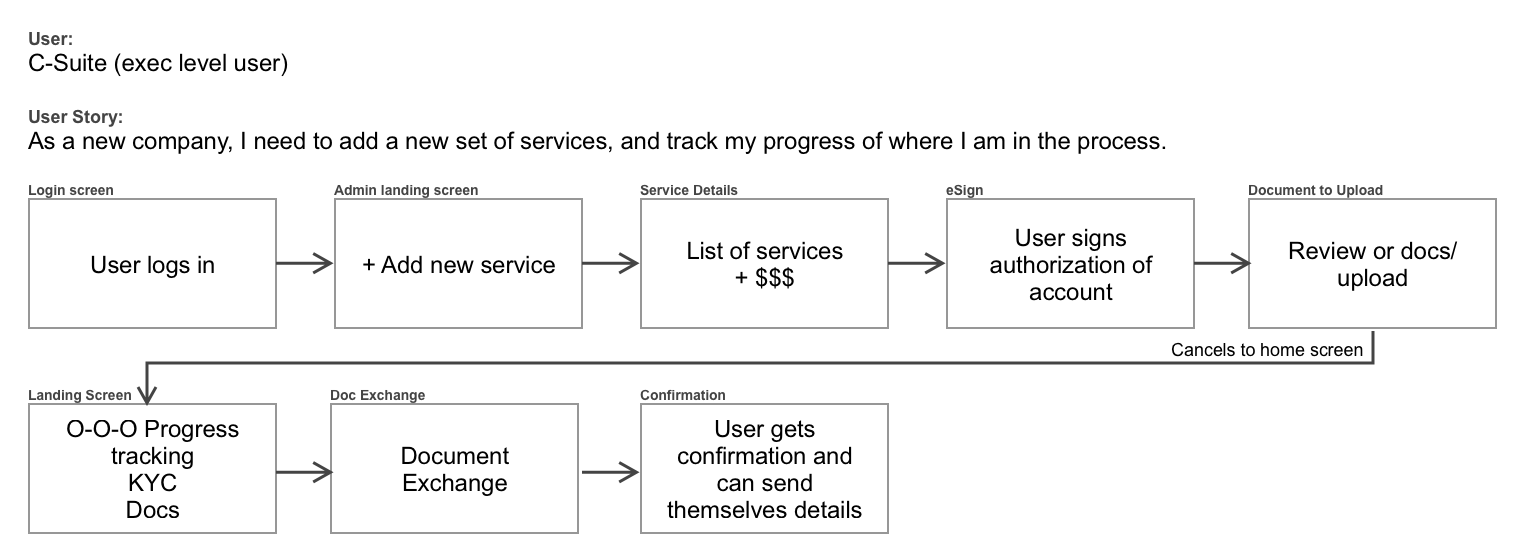
I defined the primary user types and wrote role-specific user stories, then mapped each story to a journey — from the user’s first action on the landing screen through the task they needed to complete. This established what information each role needed immediately visible, and what could be accessed one level deeper.
Each user type produced a different journey map. A treasury manager’s first task in the morning is categorically different from an operations coordinator’s — different data, different urgency, different path through the product. Mapping those journeys explicitly prevented the design from defaulting to a one-size compromise.
Exploring two directions
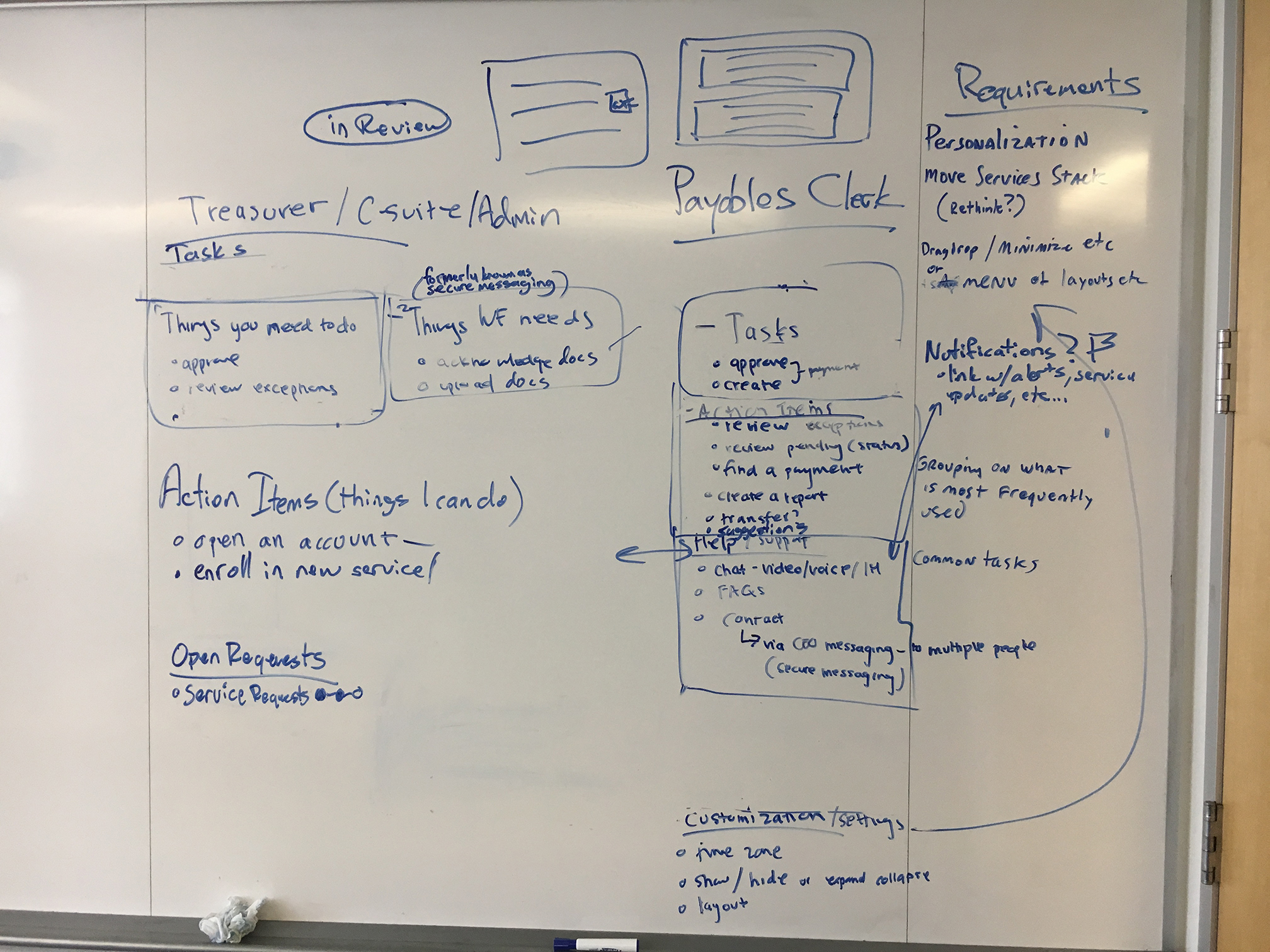
With the user journeys mapped, I explored two distinct design directions rather than committing to one approach early.
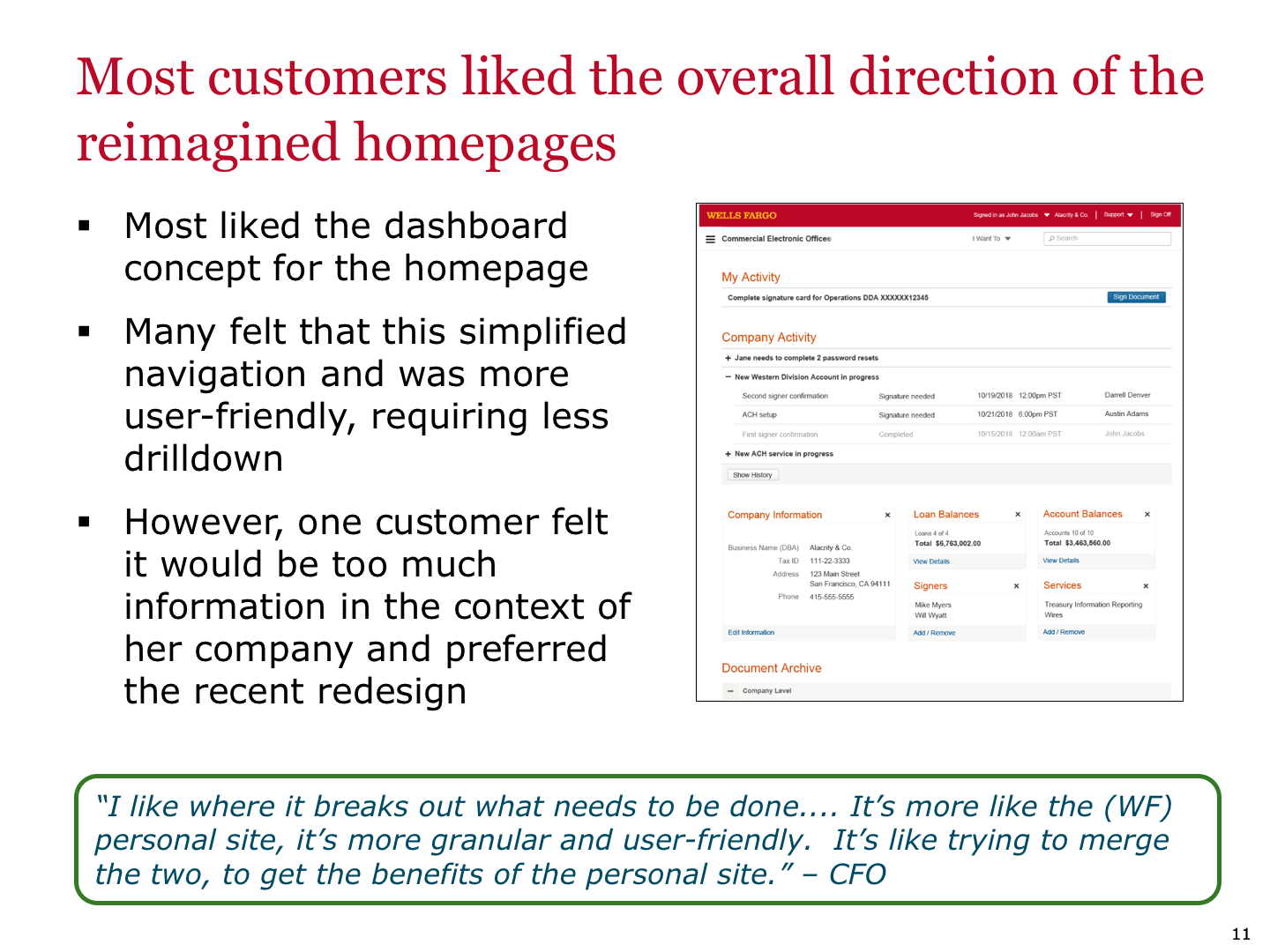
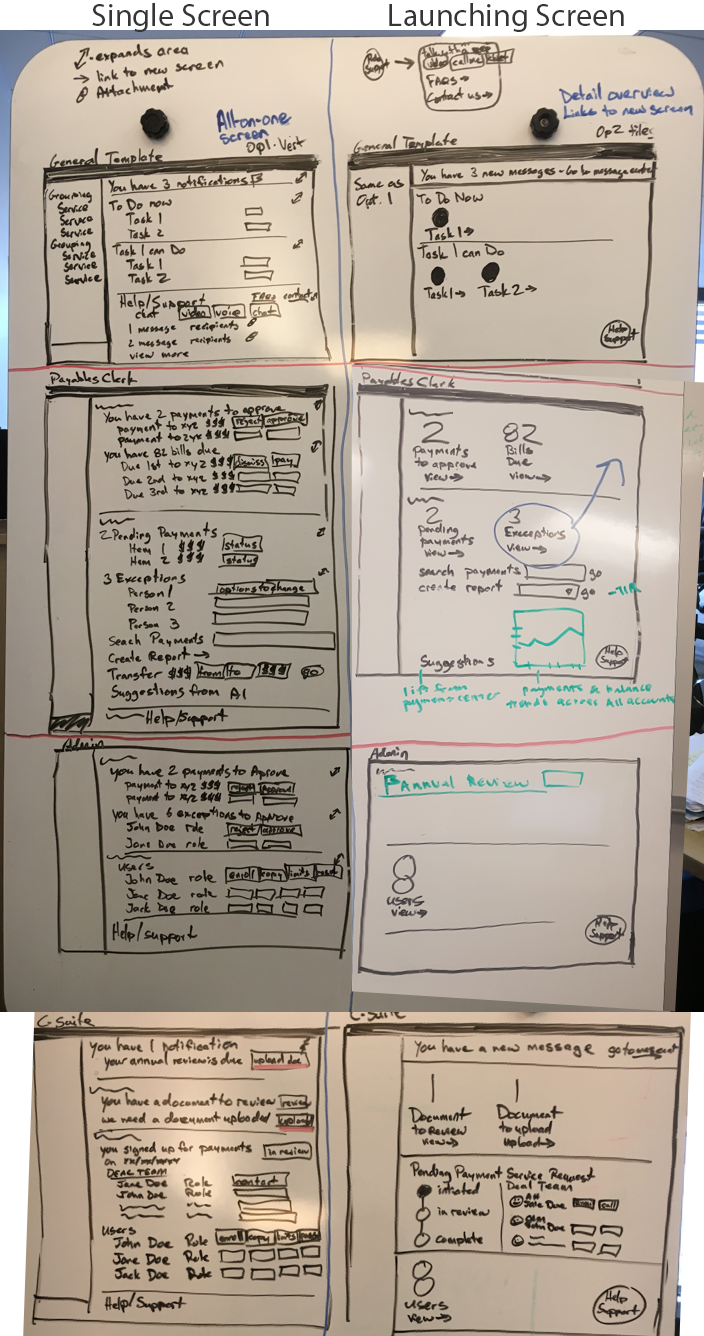
Direction one: a unified landing screen where users could complete their highest-priority tasks without leaving the page — a true dashboard model.
Direction two: a smarter launch point — the landing screen surfaced the most relevant tasks and data for each role, with one-click access to the right sub-application in context.
Both were wireframed for each user story and presented to stakeholders for a direction decision.
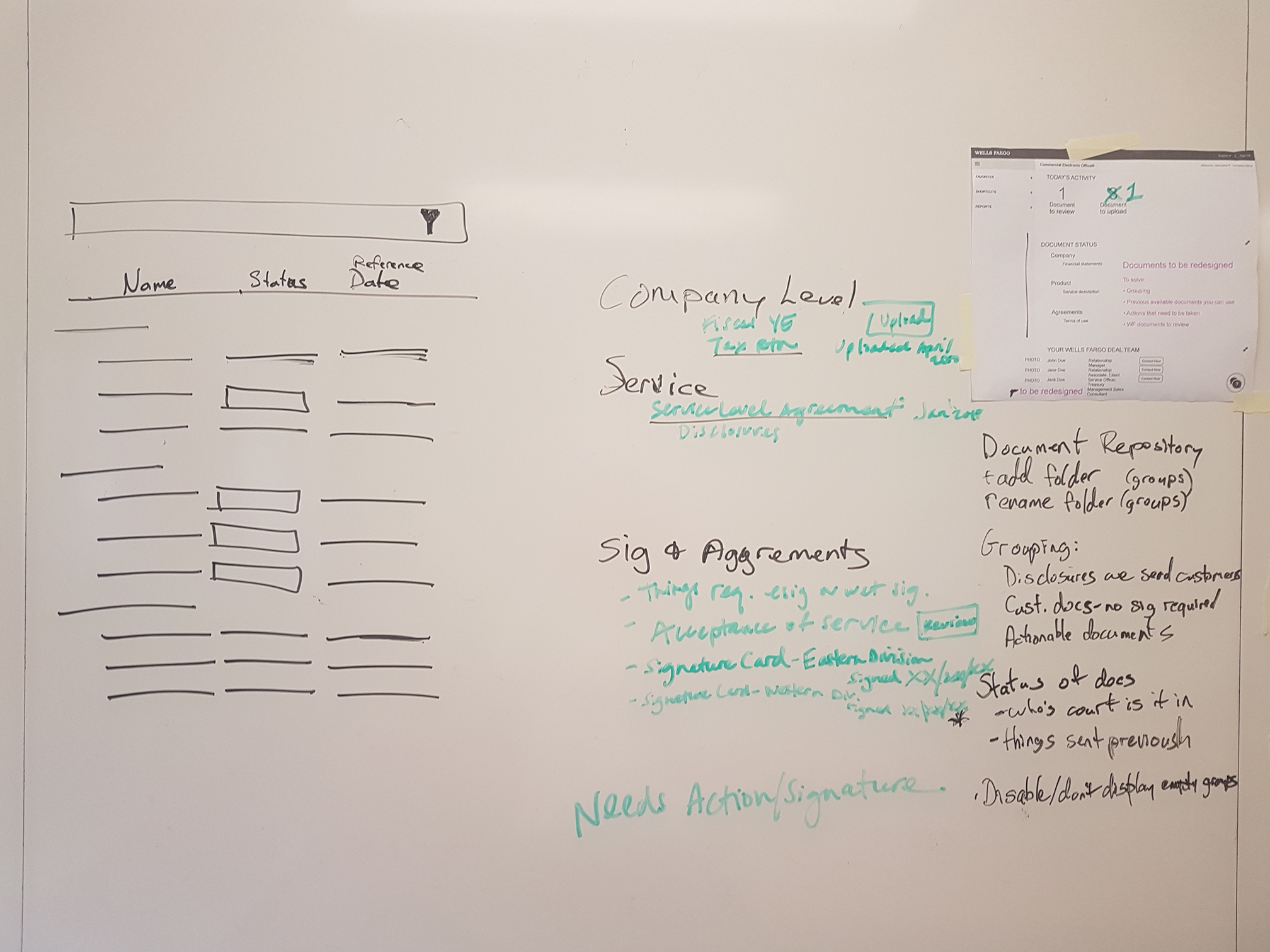
Low-fidelity wireframes
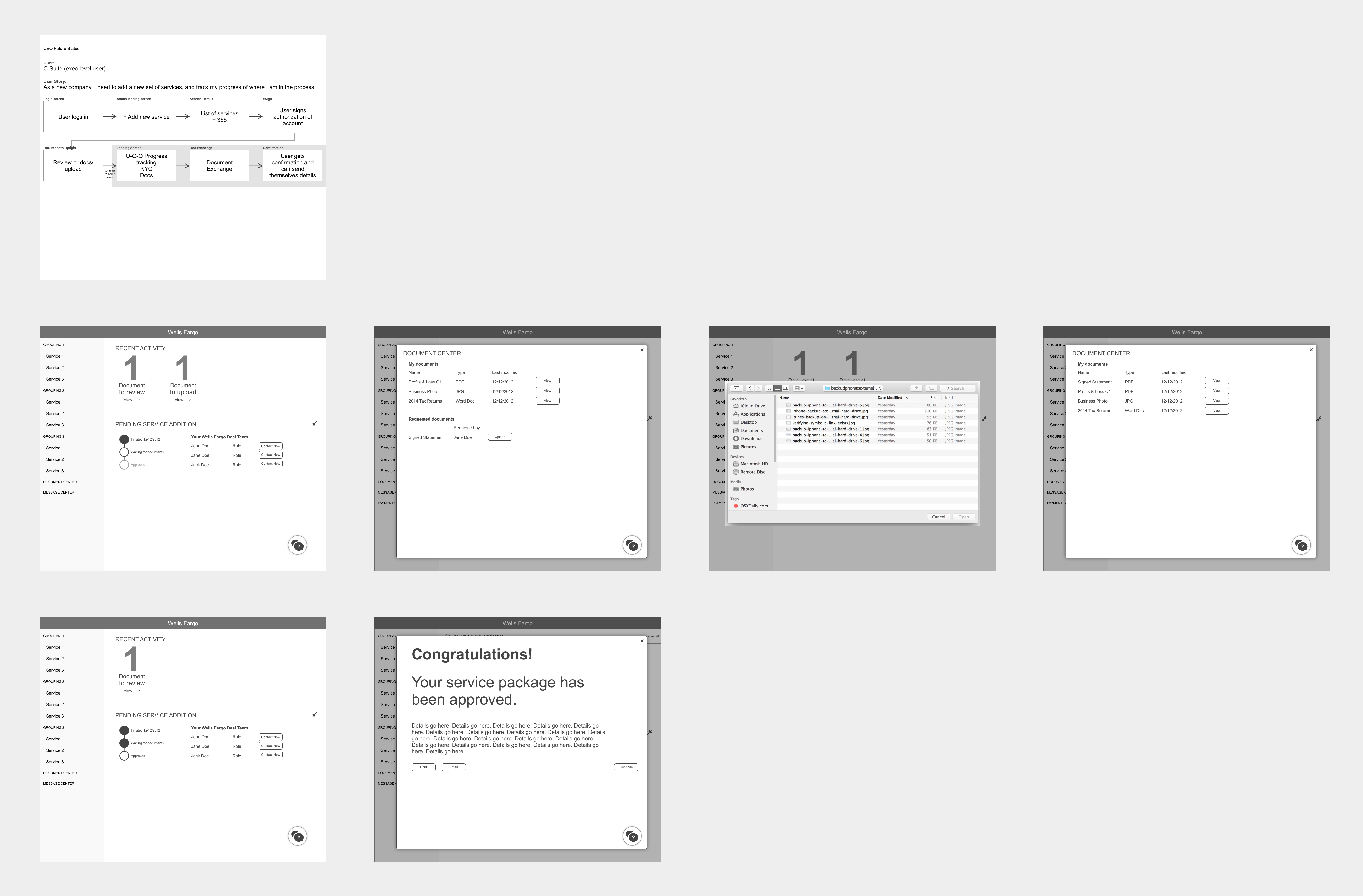
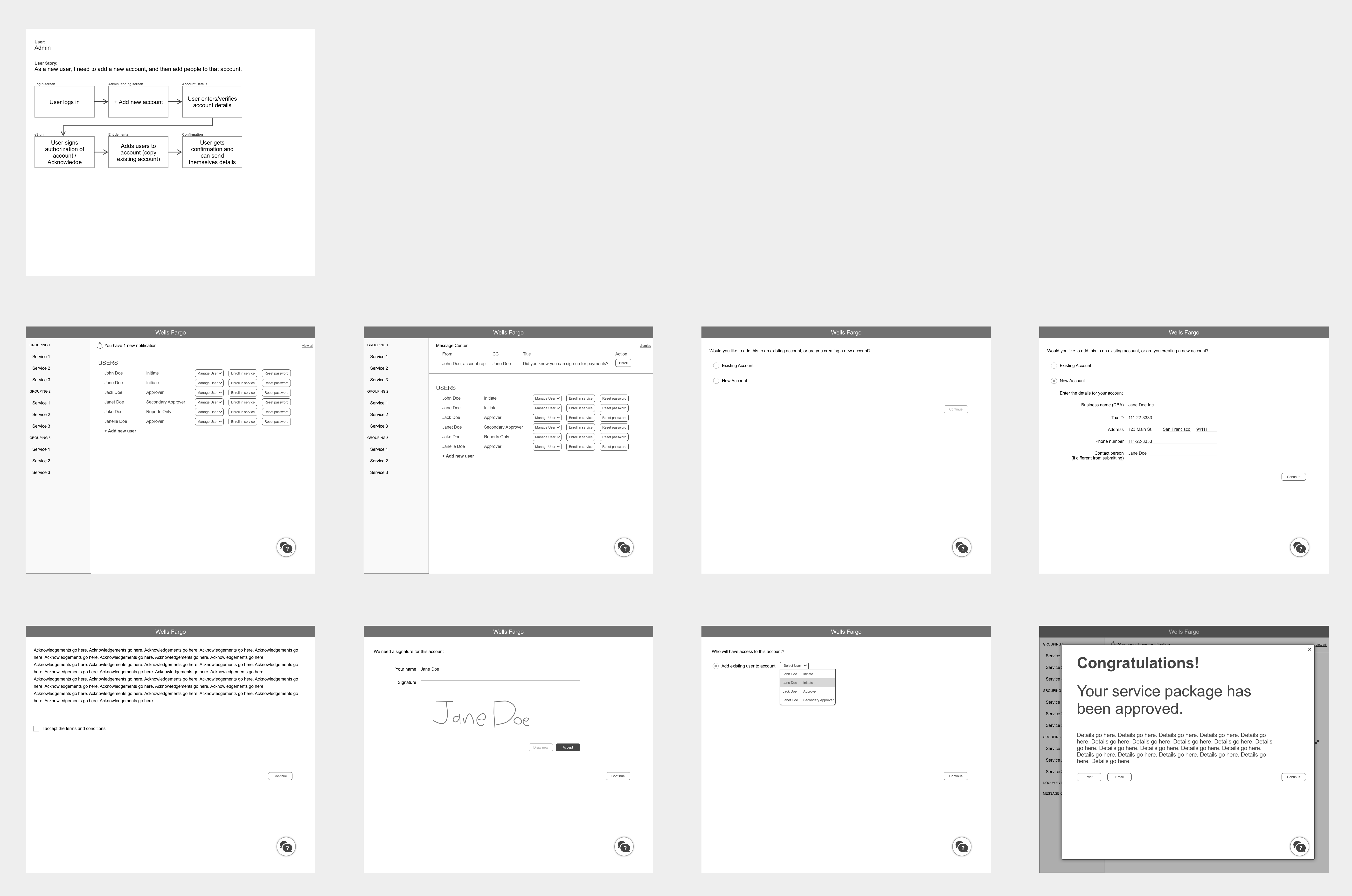

With a direction chosen by stakeholders, I built the first round of low-fidelity wireframes — one screen set per user type, mapped against the journey steps we had defined. The goal at this stage was coverage and flow, not polish.
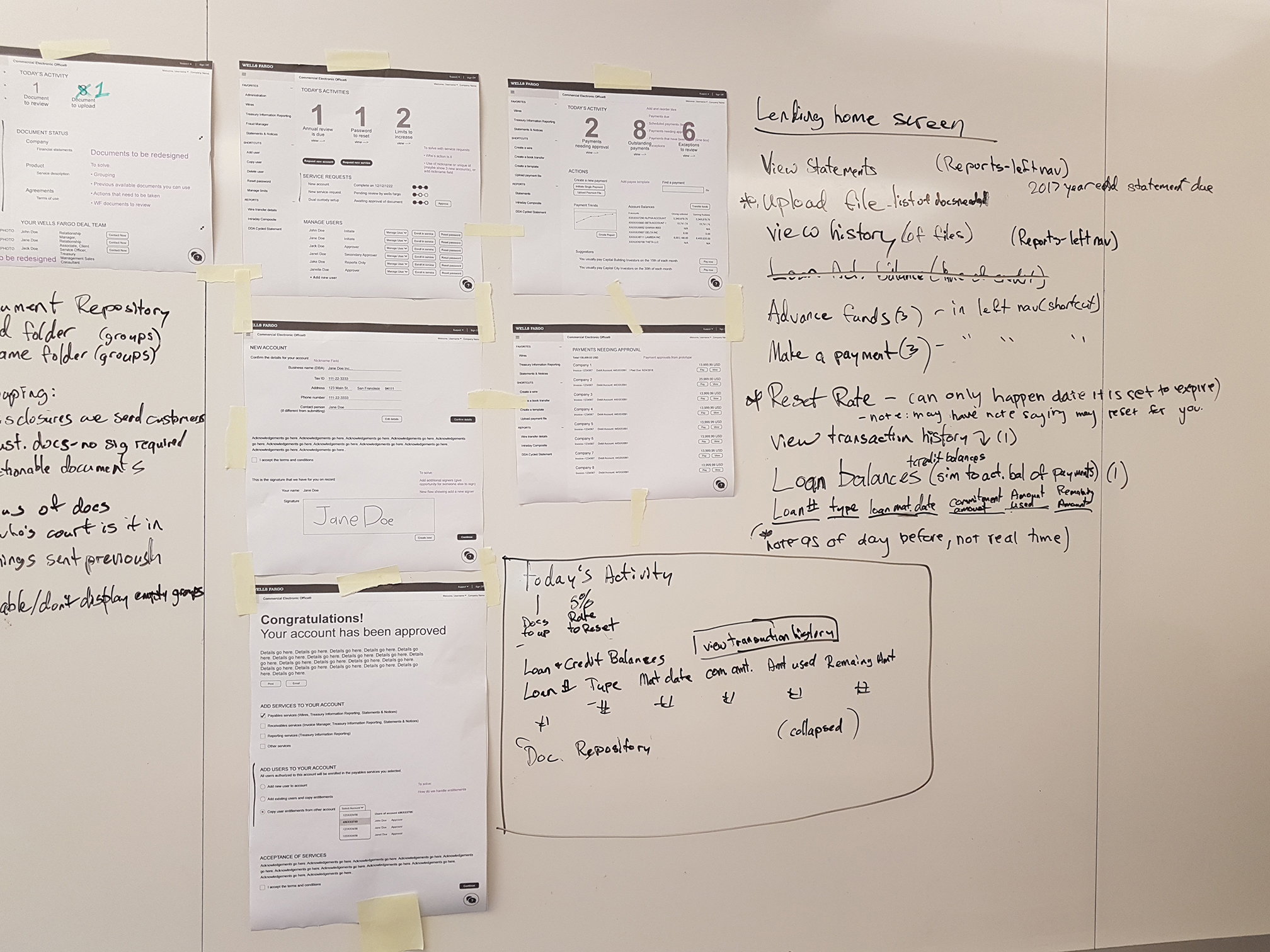
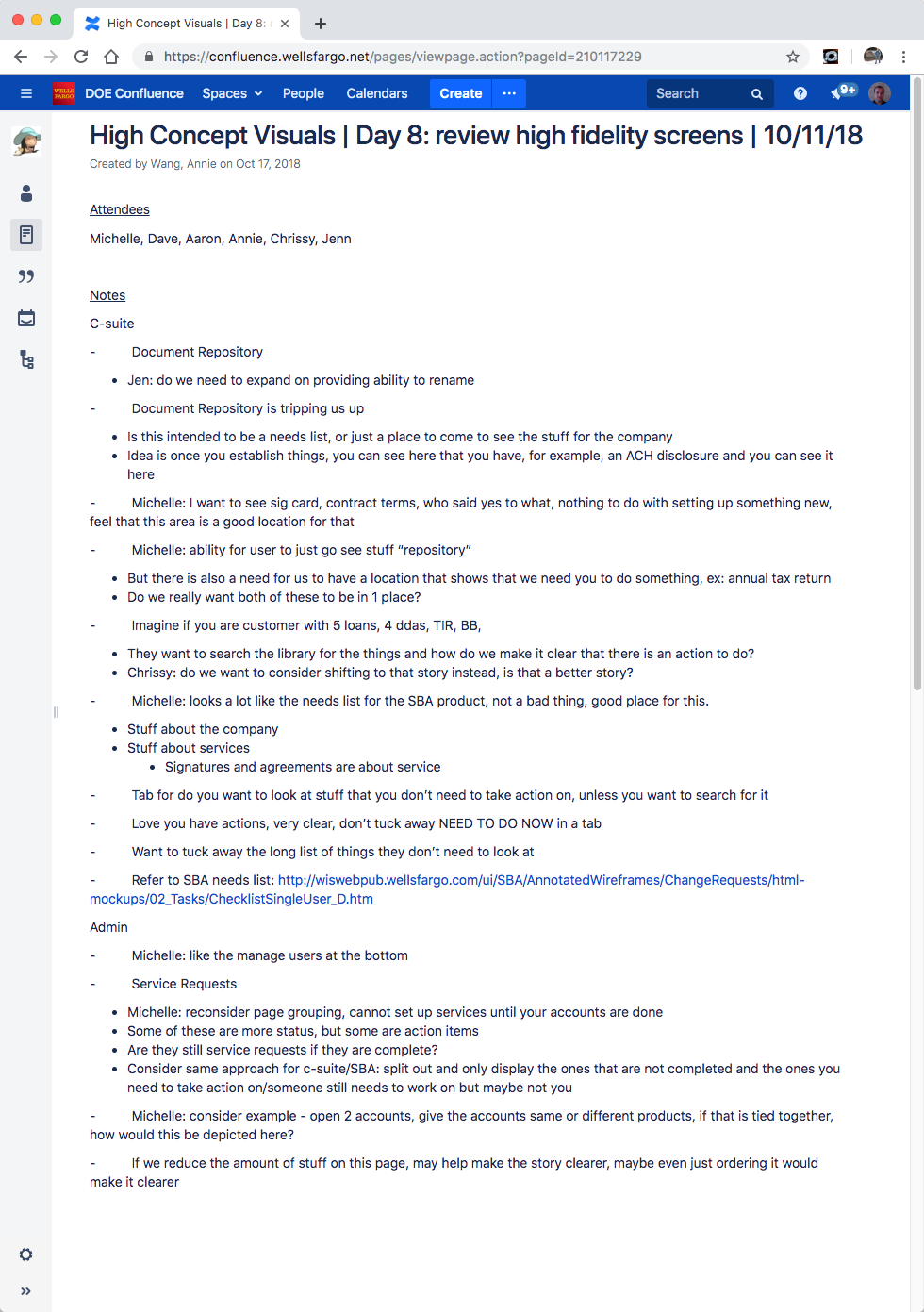
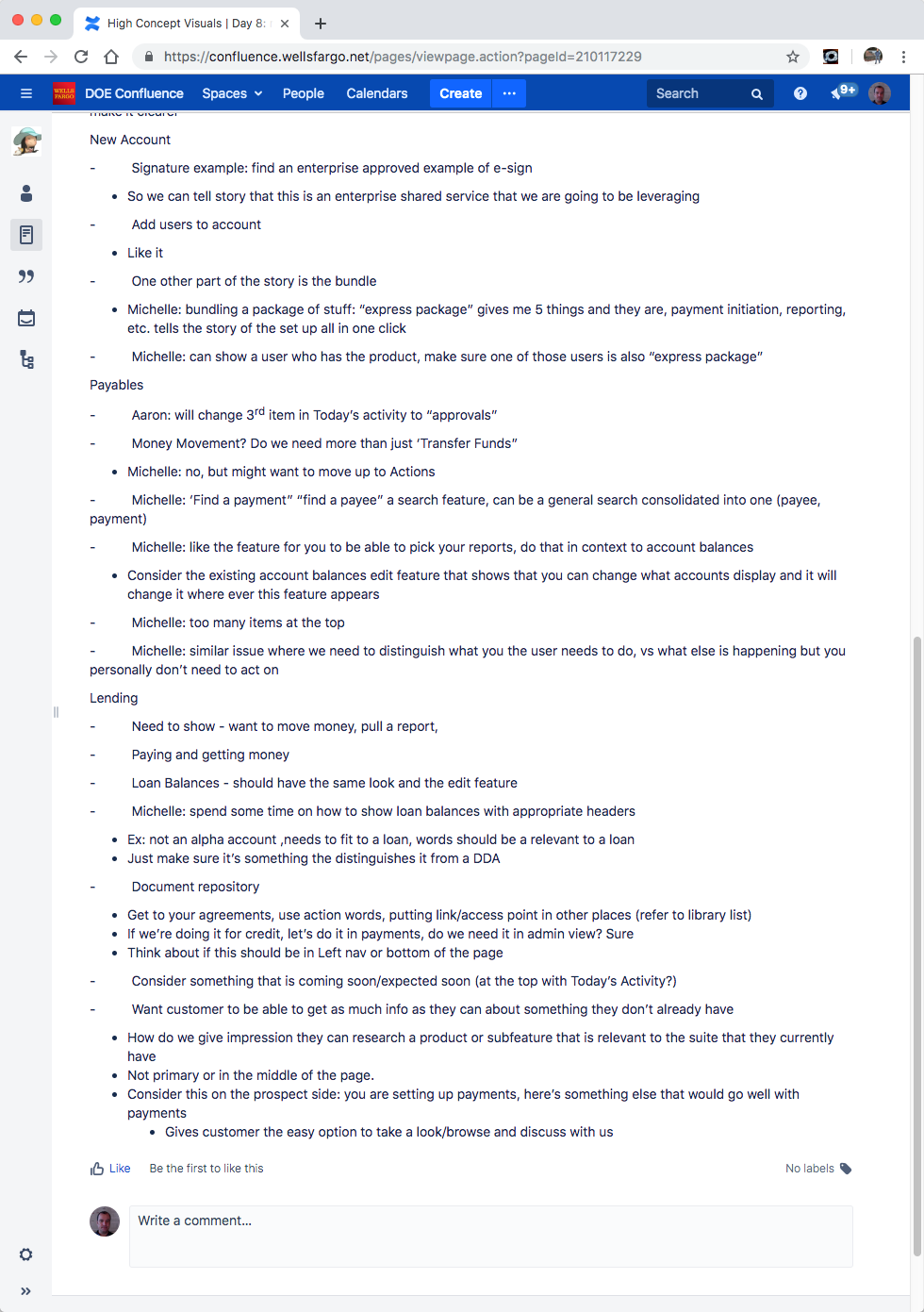
Product expert review
With early wireframes in hand, I brought in product subject matter experts for a structured review. Each role’s screen set was walked through against the corresponding user journey — surfacing tasks that were missing, information that needed to be more prominent, and elements that were adding noise without value.
Iteration
The remaining design time was a series of rapid review cycles with the team and stakeholders — progressively refining each screen set until the designs accurately represented what users needed and what the business wanted to show executives.
High-fidelity delivery
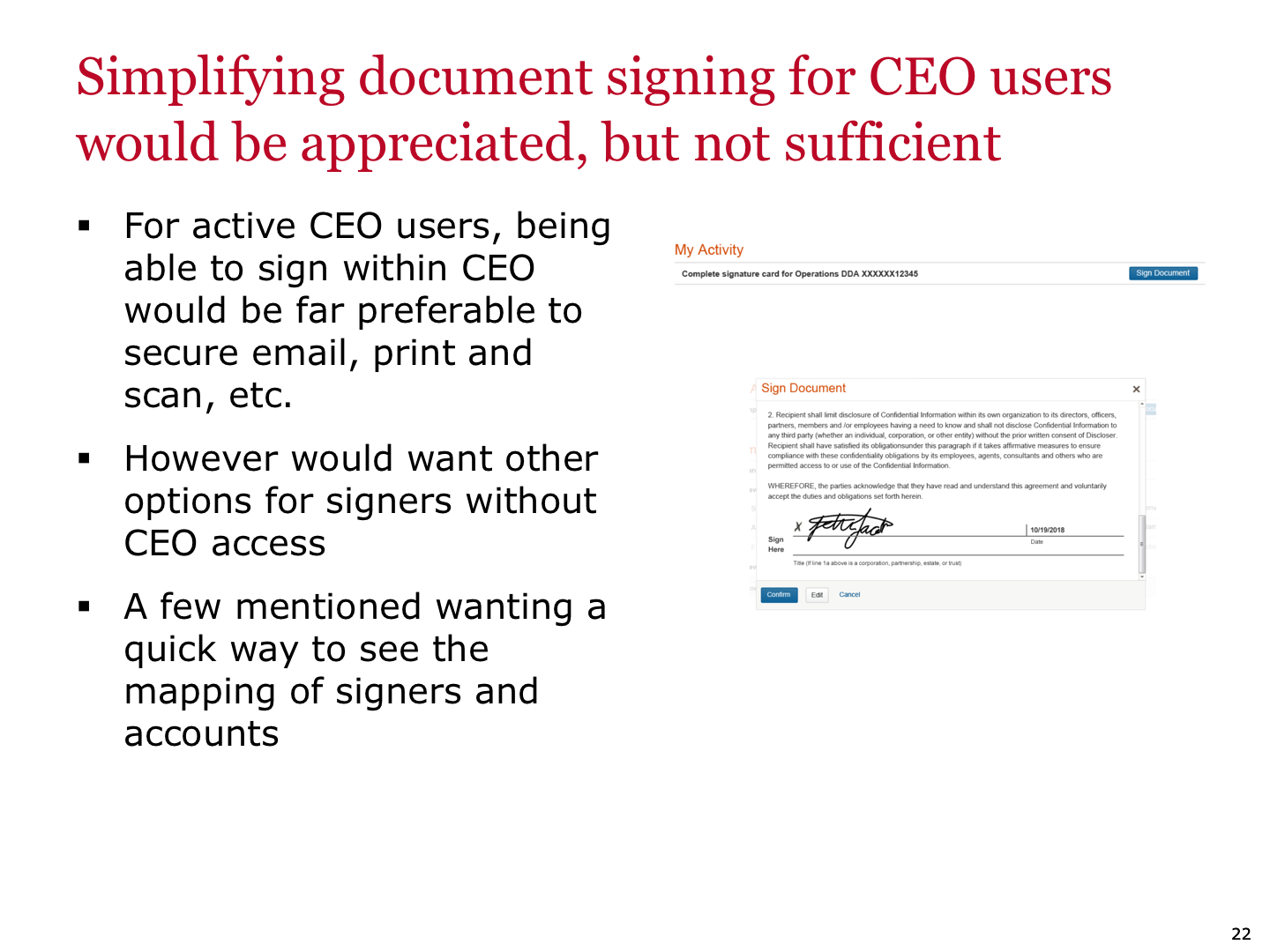
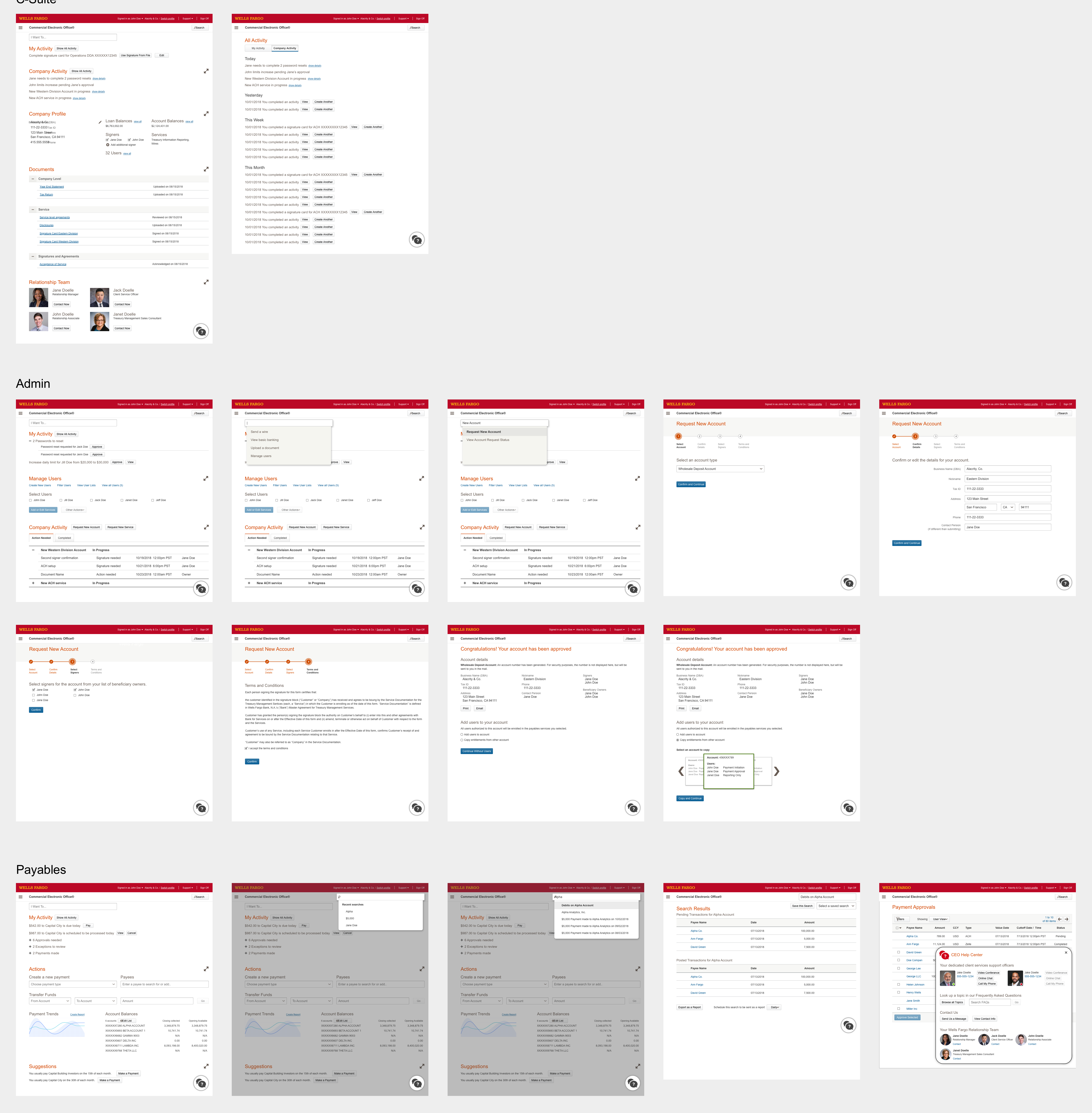
The final deliverable was a set of high-fidelity screens and a linked InVision prototype, built to be presented directly to the company’s top management. This wasn’t a developer handoff — it was a pitch artifact, designed to communicate product vision and make the $21M funding case as concrete as possible.
I worked directly with the head of the Customer Experience Design department to walk through the prototype flow, ensuring she could present it fluently to executive leadership without me in the room.
Conclusion
The funding was awarded. $21 million approved for a two-year initiative to overhaul the Commercial Electronic Office.
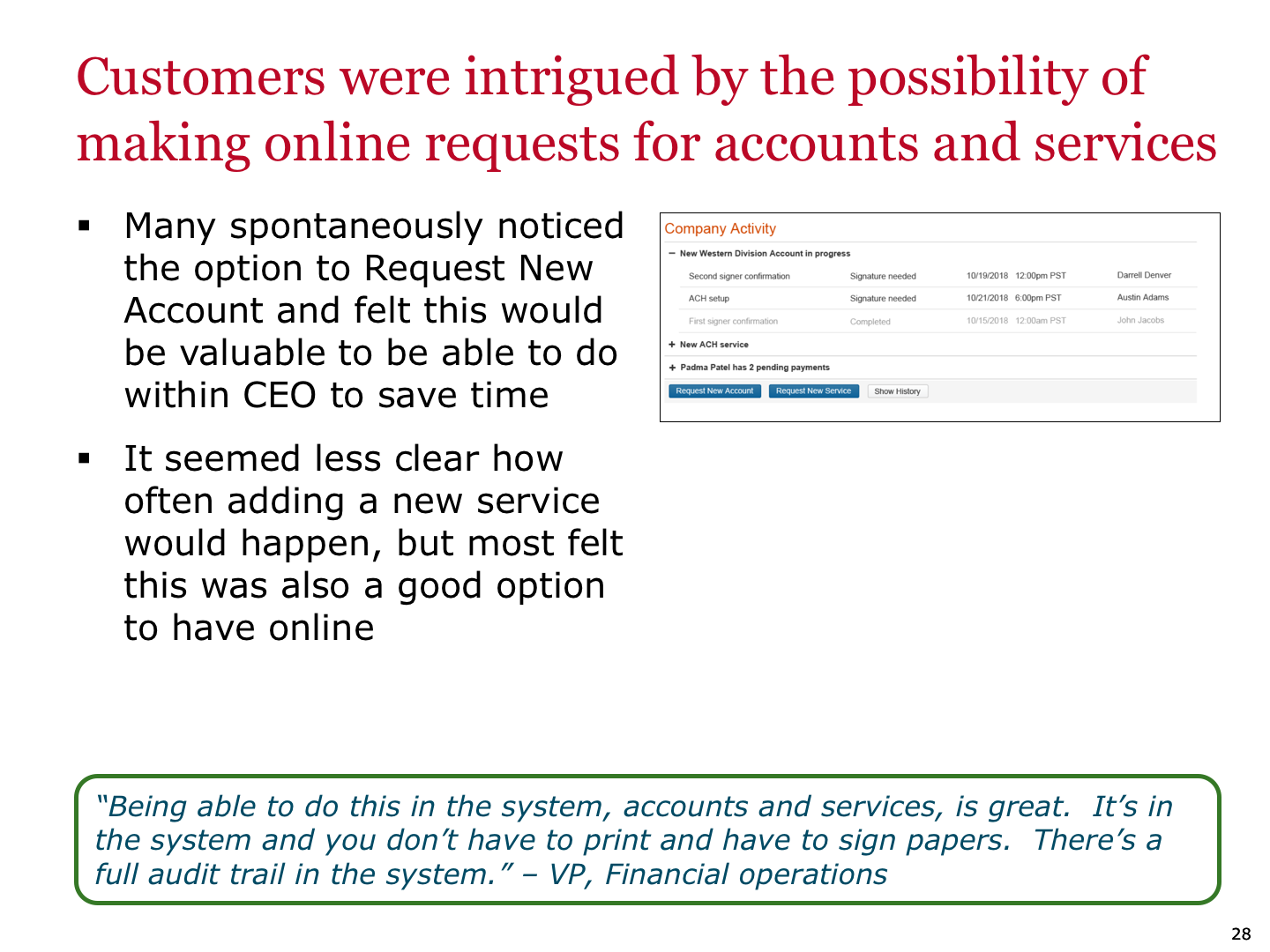
The work then moved into its next phase: Wells Fargo’s internal UX research team conducted user testing against the concepts, and a dedicated product team took the designs forward into development. This project was scoped and executed as a visioning sprint — its job was to establish the design direction and make the business case. Both were accomplished in two weeks.